
The best ngrok alternative depends on what you’re connecting. For a secure ngrok replacement (persistent HTTPS URLs and TCP tunnels to localhost behind NAT, firewalls, or CGNAT, with no public ports), SocketXP is the best ngrok alternative, and the only one that also scales into IoT fleet management with OTA updates and monitoring. For free persistent URLs, choose Cloudflare Tunnel; for open-source zero-trust sharing, zrok; for a private mesh VPN, Tailscale; for zero-install tunnels, Pinggy; and for a GUI-based ngrok clone, LocalXpose.
ngrok is a cloud-based reverse proxy that creates reverse tunnels so you can reach a localhost service behind a NAT or firewall from the internet. It popularized the “one command, one public URL” workflow for exposing a local server to the internet, and it’s still a solid default for quick demos and webhook testing. But its free tier is tight, UDP isn’t supported, and pricing scales in ways that hurt as soon as you move past casual use — whether that’s a team that needs more endpoints, a security team that wants zero trust instead of a public relay, or a fleet of IoT devices that need to stay reachable permanently, not just for a debugging session.
The leading ngrok alternatives at a glance:
- SocketXP - secure ngrok replacement for localhost HTTP/TCP services with no public ports; scales into IoT fleet management (OTA updates, monitoring); self-hostable
- zrok - open-source, self-hosted, zero-trust by default
- Cloudflare Tunnel - permanent free URL, no bandwidth limits
- Tailscale - tunneling plus full VPN for multiple internal services
- Pinggy - zero-install, one SSH command and you’re live
- LocalXpose - closest ngrok clone, GUI included, paid
At the end of the day, the ideal choice comes down to what your setup actually demands. A solid tunneling solution should cover secure connectivity, no open ports, stable URLs, monitoring, and fleet-friendly management.
How We Compare These Alternatives
Not every tool on this list is solving the same problem. Some are minimalist tunnels, some are zero-trust networking platforms, and one is a reverse proxy tunnel service that also includes full IoT device management.
To make the comparison fair, we evaluate each tool against the same criteria:
- Stable URLs — does the endpoint survive a restart, or do you get a new random URL every session?
- Protocol support — HTTP/HTTPS only, or also TCP, TLS, UDP?
- Free tier viability — can you actually use it day-to-day, or does it exist mainly as a trial?
- Setup friction — install a binary, run an SSH command, or something else entirely?
- Security model — public relay with optional auth, or zero-trust/mTLS by default?
- What happens past “just a tunnel” — fleet management, inspection, replay, teams — anything beyond forwarding a port?
- Pricing — how the cost scales as usage grows.
Recommended Reading: A secure tunneling alternative to VPN for IoT devices.
Quick Comparison: ngrok vs 6 Top Alternatives
| Feature | SocketXP | ngrok | zrok | Cloudflare Tunnel | Tailscale | Pinggy | LocalXpose |
|---|---|---|---|---|---|---|---|
| Best For | Secure ngrok replacement + IoT device fleets | Quick demos & webhook testing | Zero-trust sharing | Free persistent URLs | Private mesh + occasional public access | Zero-install quick tunnels | Feature-complete GUI client |
| Free Tier | 30-day Free trial, 4 endpoints, no credit card + free self-hosted Community edition (up to 100 devices) | Yes, 3 endpoints, 1 GB/mo | Yes, 5GB/day, 25 envs | Yes, no bandwidth cap | Yes, 6 users, unlimited devices | Yes, 60 min/session | Limited |
| HTTP & TCP Tunnels | Yes (TCP kept private) | Yes (TCP on public port) | Yes | Yes (TCP needs cloudflared on client) | Yes (Funnel for public HTTPS) | Yes | Yes |
| Pricing Model | Per device | Plan fee + metered usage | Free / enterprise | Free | Per user | Flat subscription | Flat subscription |
| Endpoint Exposure | TCP private (auth always required); HTTPS URLs public (optional auth) | Public by default | Private or public | Public (optional Cloudflare Access) | Private (Funnel is opt-in) | Public | Public |
| Zero Trust / mTLS by Default | Yes for TCP tunnels and device connections (mTLS + short-lived tokens) | No (mTLS optional, paid) | Yes (OpenZiti identity) | No (optional via Cloudflare Access) | Yes (WireGuard + SSO) | No (mTLS optional, paid) | No |
| Device Fleet Management | Yes | No | No | No | No | No | No |
| OTA Updates | Yes | No | No | No | No | No | No |
| UDP Support | No | No | Yes | No | Yes | Yes | Yes |
| Custom Domains | Yes (paid) | Yes (paid) | Yes | Yes (free, named tunnels) | Yes (MagicDNS names) | Yes (paid) | Yes (wildcard, paid) |
| Starting Paid Price | $20/mo (Lite, up to 40 devices ≈ $0.50/device) | $8/mo annual ($10 monthly) | Free (self-hosted) | Free | ~$8/user/mo | ~$2.50–3/mo | $8/mo |
| Self-Hostable | Yes | No | Yes (Apache 2.0) | No (managed edge) | No (managed control plane) | No | No |
What Is ngrok, and Where Does It Fall Short?
ngrok creates an outbound connection from your machine to ngrok’s cloud, which hands back a public URL and forwards traffic to your local port. It works behind NAT and most firewalls with essentially no configuration, and its request-inspection dashboard is genuinely good for debugging.
Where people start looking elsewhere:
- Free-tier limits. Up to 3 online endpoints, 1 GB of data transfer per month, 20,000 HTTP/S requests per month, and only one assigned dev domain per account — not a custom or branded domain. Free-tier HTTP/S endpoints also show an interstitial warning page to visitors, and TCP endpoints require credit card verification even on the free plan. Custom domains, branded domains, and the ability to remove the interstitial page are all gated behind paid plans.
- Public endpoints by default. Every ngrok endpoint is reachable from the internet unless you add authentication or IP restrictions through Traffic Policy. TCP endpoints are the biggest risk: each one is a public host:port mapped directly to your local service, so automated scanners (like Shodan, Censys, or Masscan) can find and probe it, much like a port forwarded on your router.
- No UDP tunnels, on any plan — ngrok’s endpoint types are limited to HTTP, TCP, and TLS, with no roadmap to add UDP.
- Account required just to get a tunnel running.
- Usage-based pricing with several separate meters — data transfer, HTTP/S requests, TCP/TLS connections, users, and traffic policy units are all billed and capped independently, which gets complex to predict and maps poorly onto both large dev teams and IoT fleets with hundreds or thousands of devices. (Notably, ngrok does offer custom per-device or per-customer pricing for fleet/device connectivity — but only through a sales conversation, not self-serve.)
- It’s fundamentally a tunnel/ingress platform, not an IoT device management platform. No OTA update delivery, no device health dashboard — anything beyond routing traffic to an endpoint has to be built separately.
Each of the six tools below fixes one or more of these limits. Most swap in a cheaper, more open, or more flexible tunnel. SocketXP keeps ngrok’s one-command workflow, with public HTTPS URLs and TCP tunnels, and closes its biggest security gap by never opening a public port for TCP tunnels. If you run a fleet of physical devices, the same agent adds OTA updates and monitoring.
The 6 Best ngrok Alternatives in 2026
Each entry below covers what the tool is best for, its key features, a head-to-head comparison with ngrok, and pricing.
1. SocketXP
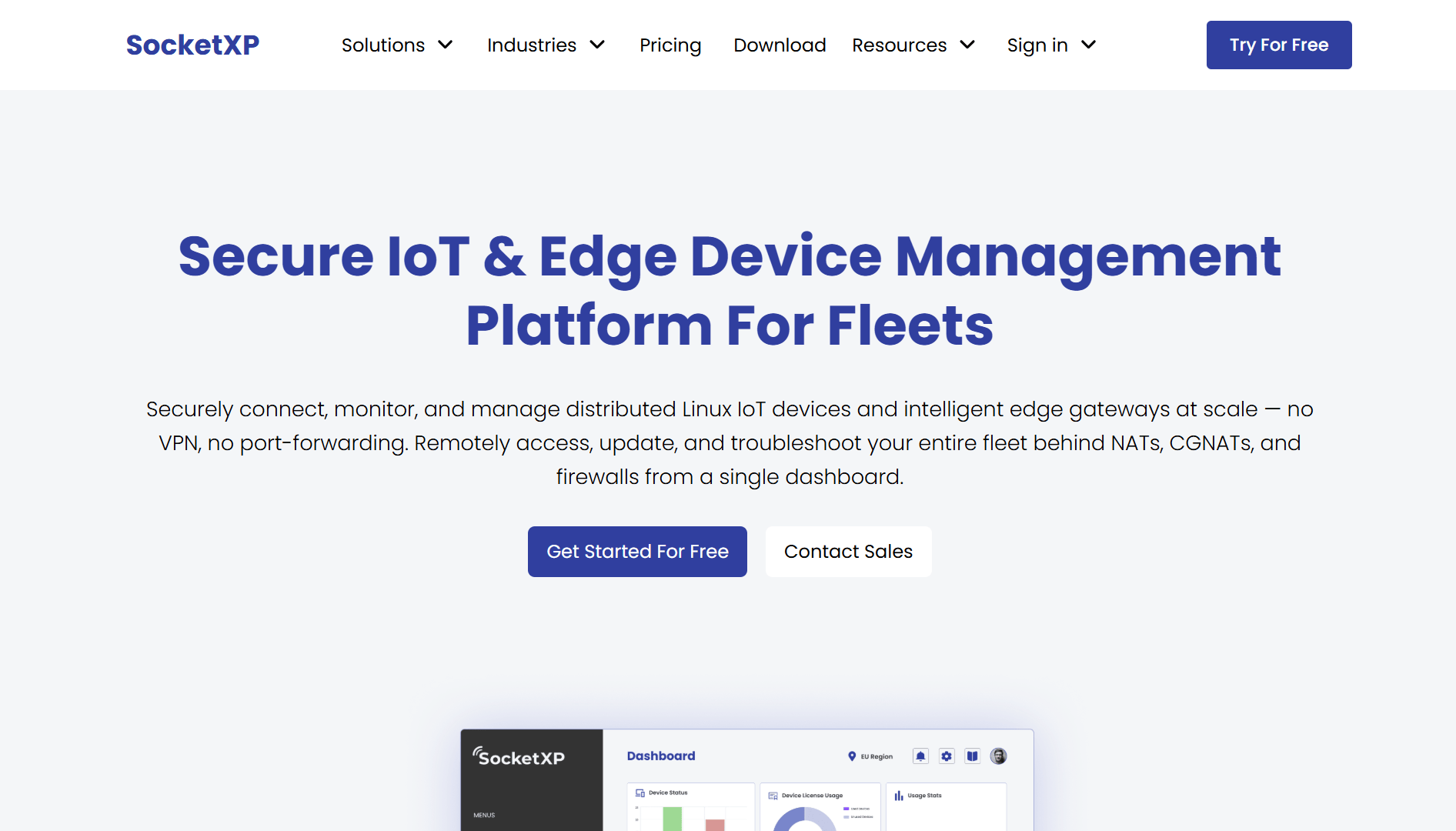
Best for: Developers and teams who want a secure ngrok replacement for remotely accessing localhost web and TCP services such as SSH, HTTP, MQTT, VNC, and RDP, and for IoT/edge device fleets that need OTA updates and monitoring on top of the tunnel.
SocketXP is a cloud-based reverse proxy and secure tunneling service, architecturally the same kind of tool as ngrok. The SocketXP agent opens an outbound-only reverse tunnel to the SocketXP Cloud Gateway, so you can reach localhost services behind NAT routers, firewalls, and the CGNAT used by 4G/5G cellular and satellite networks. Use it to get a persistent public HTTPS URL for a local web app, API, dashboard, or webhook endpoint (on a random subdomain or your own custom domain), or to create TCP tunnels to SSH, databases, MQTT server or any other TCP service, including TLS over TCP.
The difference is security. Unlike ngrok, SocketXP doesn’t open a publicly accessible port in its cloud for TCP tunnels, so automated port scanners have nothing to find on your device, laptop, or home server. TCP tunnels always require authentication with either a short-lived auth token or a client TLS certificate, and public HTTPS URLs can optionally be protected as well.
On top of the tunnel, SocketXP is also a full IoT device management platform. If your “local server” is actually a Raspberry Pi, an industrial IIoT edge device, an Nvidia Jetson board, or an embedded Linux device deployed in the field, the same agent adds fleet management, OTA updates, fleet monitoring, and access control, which no other tool on this list offers.
Key features
- Persistent public HTTPS URLs for localhost web apps, APIs, dashboards, and webhook testing, on a random subdomain or your own custom domain
- TCP tunnels to SSH, databases, or any TCP service, with no public port opened
- Works behind NAT routers, firewalls, and CGNAT (4G, 5G, Starlink) via outbound-only connections
- Persistent SSH, HTTPS, VNC, RDP, and MQTT remote access to every device in a fleet
- OTA software, firmware, Docker Container, and configuration updates, with rollout tracking and rollback
- Fleet dashboard with device health monitoring, connectivity status, and geolocation
- Zero Trust security by default for TCP tunnels and device connections — mTLS client certificates and short-lived tokens, no shared keys, SSO OAuth authentication
- Audit logging and role-based access control
- Optional self-hosted/on-premise deployment for compliance-sensitive environments
- Built-in SSH key manager that installs short-lived SSH keys for secure remote access from a web browser.
- SocketXP offers a free community-version of its self-hosted on-premise IoT Gateway software to remotely manage a fleet size of up to 100 IoT devices.
How to Replace ngrok with SocketXP
If you already use ngrok, switching takes about five minutes. The commands map almost one-to-one:
| ngrok command | SocketXP equivalent | What you get |
|---|---|---|
ngrok http 8080 | sudo socketxp connect http://127.0.0.1:8080 | Secure HTTPS public URL |
ngrok tcp 22 | sudo socketxp connect tcp://127.0.0.1:22 | Private SSH access, no public port opened |
Step 1: Install the SocketXP agent. Binaries for Linux, macOS, and Windows are on the SocketXP download page. On a 64-bit Linux machine (use arm for 32-bit Raspberry Pi OS or arm64 for 64-bit ARM boards like the Raspberry Pi 5 or Nvidia Jetson):
curl -LO https://portal.socketxp.com/download/linux/amd64/socketxp && chmod +wx socketxp && sudo mv socketxp /usr/local/bin
Step 2: Log in with your auth token from the SocketXP Web Portal. This creates a per-device key; the auth token itself isn’t stored on the device.
sudo socketxp login <your-auth-token>
Step 3: Create a tunnel. For a web app on port 8080:
$ sudo socketxp connect http://127.0.0.1:8080

Connected.
Public URL -> https://test-user-a29dfe42e3.socketxp.com
For SSH, connect port 22. Unlike ngrok tcp, this doesn’t create a public host:port. You open the SSH session from the SocketXP portal’s Devices page, or from your laptop with the SocketXP agent in IoT Slave Mode (the SocketXP agent running on your laptop as the client):
$ sudo socketxp connect tcp://127.0.0.1:22

Connected to SocketXP Cloud Gateway.
Access the TCP service securely using the SocketXP agent in IoT Slave Mode.
To keep tunnels up across reboots, run the SocketXP agent as a systemd service. The full walkthrough is in the SocketXP getting started guide.
Looking for a Powerful ngrok Alternative?
Discover how SocketXP makes secure remote access simple, fast, and reliable.
SocketXP vs ngrok
Architecturally, SocketXP and ngrok are the same kind of tool: a cloud-based reverse proxy that tunnels traffic to services behind NAT and firewalls. Both give you persistent public HTTPS URLs and TCP tunnels. The differences are in features, security and scope.
Where SocketXP is ahead: SocketXP never opens a public port for TCP tunnels and always requires authentication on them. Its public HTTPS URLs load your app directly, with no interstitial warning page, even on the free trial (ngrok’s free plan shows visitors a warning page first). More importantly, SocketXP adds what you’d otherwise build yourself to run a device fleet: update delivery, monitoring, alerting, and access control. ngrok has no concept of a “device” or a “fleet” at all.
Where ngrok is ahead: SocketXP has no request inspector or replay like ngrok’s traffic inspector, and it doesn’t support UDP tunnels or TLS pass-through (TLS-encrypted traffic such as MQTTS still runs fine inside a TCP tunnel).
| Feature | SocketXP | ngrok |
|---|---|---|
| Public HTTPS URLs for localhost | Yes | Yes |
| Custom domains | Yes | Yes (Pay-as-you-go) |
| TCP tunnels | Yes (private, no public port) | Yes (public host:port) |
| UDP tunnels | No | No |
| Request inspection & replay | No | Yes |
| Persistent endpoints | Yes, all plans | 1 free dev domain; more on paid plans |
| Interstitial warning page on free URLs | No | Yes (removed on paid plans) |
| Public open ports (scannable) | No | Yes |
| OTA updates | Yes | No |
| Fleet dashboard & monitoring | Yes | No |
| Zero Trust / mTLS | Yes by default for TCP tunnels and device connections | Optional (OAuth/OIDC via Traffic Policy; mTLS on Pay-as-you-go) |
| Pricing model | Per device | Plan fee + metered usage |
| Authentication | Always required for TCP tunnels; optional for public HTTPS URLs | Opt-in per endpoint |
Pricing
Roughly $0.50 per device per month on Lite plan (around $20/month for up to 40 devices), including the full platform — not just tunneling. Volume based discounts available to large enterprise customers. A 30-day free trial is available with no credit card required.
A note on UDP and TLS: Like ngrok, SocketXP does not support UDP tunnels, and unlike ngrok it does not offer TLS pass-through. If your application needs UDP, consider zrok, Tailscale, Pinggy, or LocalXpose.
2. zrok
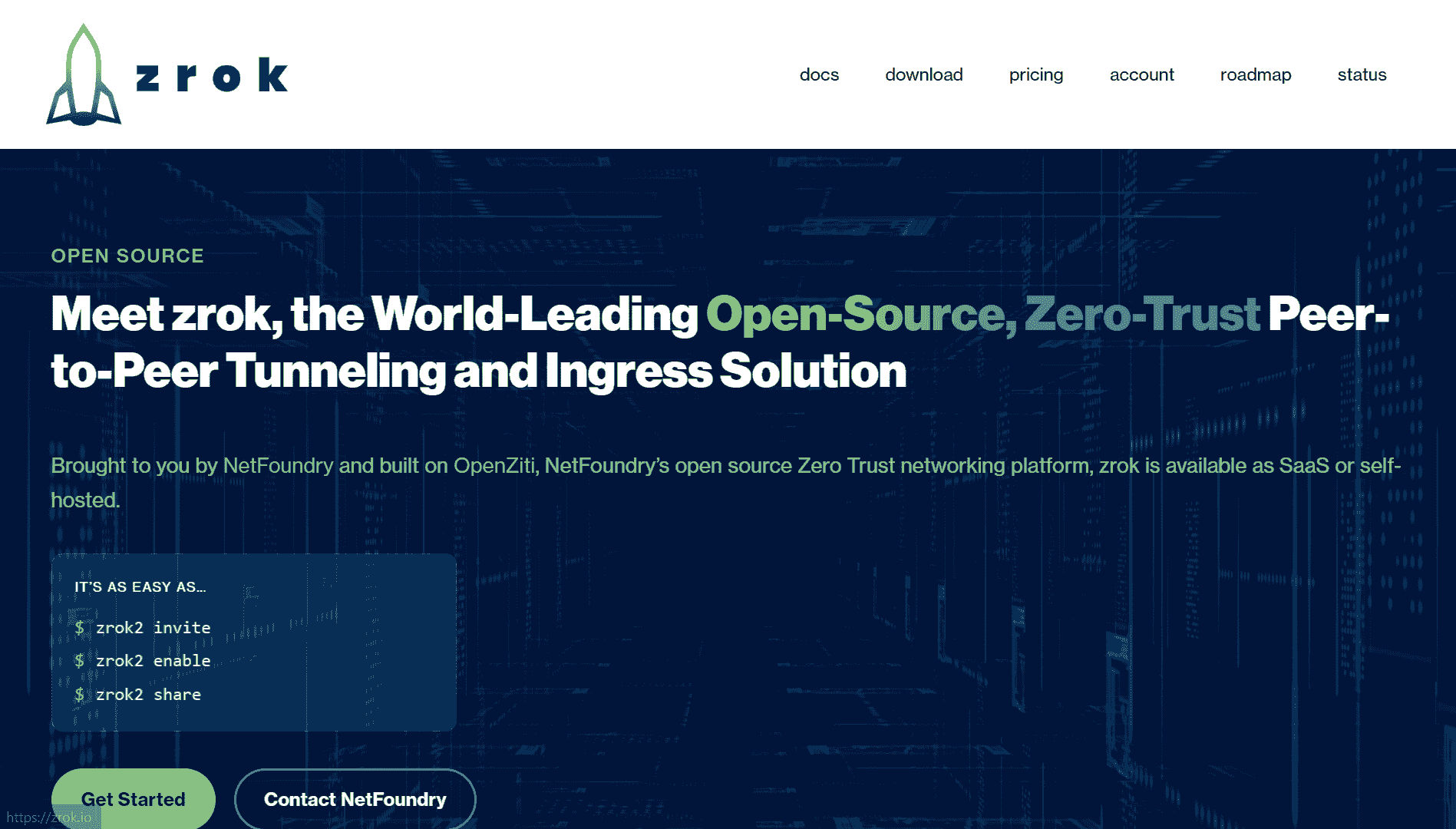
Best for: Developers who want a zero-trust, open-source alternative and don’t mind self-hosting for full control.
zrok is built on top of OpenZiti, an open-source zero-trust networking overlay. Instead of simply relaying traffic through a public proxy, zrok requires identity-verified connections and can share resources privately — via a token, with no public endpoint at all — or publicly through an HTTPS frontend.
Key features
- Public sharing (HTTPS URL) and private sharing (token-based, never public) modes
- Built on OpenZiti’s zero-trust overlay — outbound-only, no inbound ports required
- Automatic TLS, plus protections against oversized uploads
- Fully open source (Apache 2.0) and self-hostable with no artificial limits
- Managed free tier: 5 GB/day transfer, up to 25 environments, 50 share backends
zrok vs ngrok
The security model is the core difference. ngrok is a public relay — anyone with the URL can attempt to reach it, and security is layered on top through Traffic Policy rules (OAuth, basic auth, IP restrictions). zrok’s default posture is the opposite: private sharing produces no public endpoint at all, and every connection is identity-verified through OpenZiti before it’s established. For teams that prioritize auditability and self-hosting over convenience, zrok is one of the few alternatives that’s fully open source end to end, not just an open-source client talking to a closed-source cloud.
| Feature | zrok | ngrok |
|---|---|---|
| Open source | Yes, Apache 2.0 | No |
| Self-hostable, no limits | Yes | No |
| Private (non-public) sharing | Yes, token-based | No |
| UDP tunnels | Yes | No |
| Zero-trust identity model | Yes, via OpenZiti | No |
| Managed free tier | 5 GB/day, 25 environments | 1 GB/month, 3 endpoints |
Pricing
Self-hosted zrok is free with no limits. The managed service has a free tier as described above; there’s no traditional paid consumer tier since NetFoundry’s model centers on self-hosting or enterprise deployment.
3. Cloudflare Tunnel
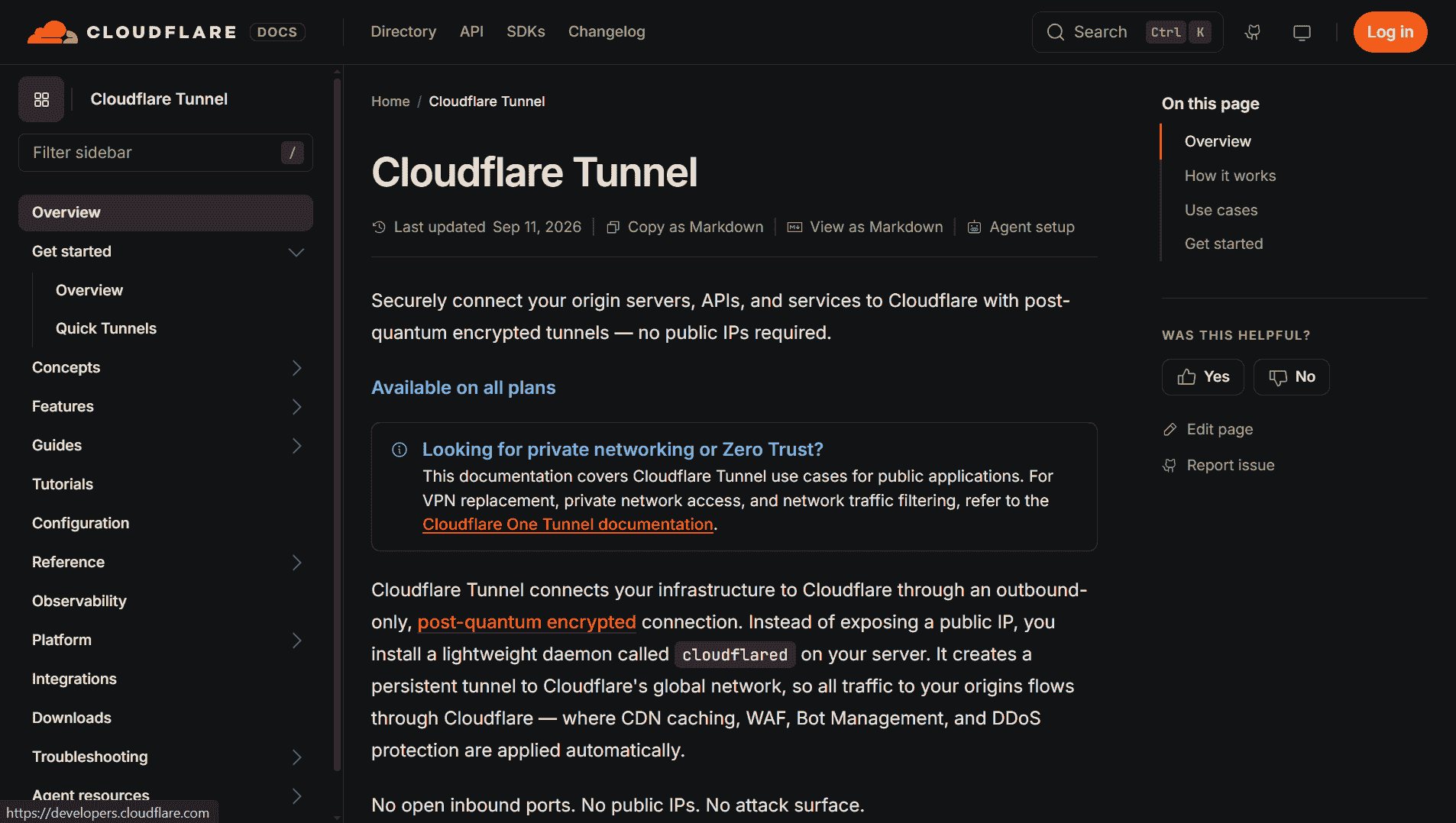
Best for: Free, persistent URLs with no bandwidth cap — if you’re comfortable with a Cloudflare account.
Cloudflare Tunnel (cloudflared) routes traffic from Cloudflare’s edge network to your local server through an outbound-only connection. It supports both instant, unauthenticated quick tunnels and persistent named tunnels tied to a custom domain.
Key features
- Named tunnels with a custom domain that stays stable indefinitely, on the free plan
- Quick tunnels via a single command, no account needed, for ephemeral testing
- Outbound-only architecture — your origin never accepts direct inbound traffic
- No bandwidth caps or session timeouts on the free tier
- Access to Cloudflare’s broader security stack (WAF, Access, DDoS protection) if you’re already on the platform
Cloudflare Tunnel vs ngrok
Cloudflare Tunnel’s biggest advantage is giving you a stable URL on your own domain at zero cost. ngrok’s free plan only gives you one assigned dev domain, with an interstitial warning page in front of it, and bringing your own domain requires the Pay-as-you-go plan. A Cloudflare named tunnel on your own domain simply doesn’t expire. What it doesn’t do is replicate ngrok’s debugging experience: there’s no built-in request inspector, no replay, no traffic logging. It’s a stronger tunnel than ngrok’s free tier, but a weaker debugging tool.
| Feature | Cloudflare Tunnel | ngrok |
|---|---|---|
| Stable URLs (free) | Yes, on your own domain | 1 assigned dev domain (with interstitial page) |
| Bandwidth cap | None | 1 GB/month (free) |
| Request inspection | No | Yes |
| Requires account | Only for named tunnels | Yes |
Pricing
Free, with no paid tier specifically for tunneling — cost only enters if you adopt other Cloudflare products.
Recommended Reading: Cloudflare Tunnel alternative for IoT fleet management.
4. Tailscale
Best for: Teams that want secure remote access to a private network and not just one service.
Tailscale isn’t a tunnel in the traditional sense. It’s a mesh VPN built on WireGuard that connects your devices into a private network (a “tailnet”). Its Funnel feature lets you expose a specific service from that private network to the public internet when you actually need to, but the default posture is the opposite of ngrok: nothing is public unless you explicitly turn it on.
Key features
- Funnel: Expose a local service publicly with tailscale funnel, while keeping the rest of the network private.
- Encrypted peer-to-peer connections: Establish encrypted peer-to-peer connections between devices whenever possible, rather than routing traffic through a central relay.
- MagicDNS: Give every device a stable, human-readable name, eliminating the need to reconfigure random IPs or URLs.
- SSO & ACLs: Use SSO-based authentication and ACLs to control exactly which users and devices can access specific resources.
- Free Personal tier: Free Personal plan for up to 6 users with unlimited user devices, making Tailscale useful for much more than just tunneling.
Tailscale vs ngrok
The architectures aren’t really comparable one-to-one. ngrok’s whole job is making something public; Tailscale’s whole job is keeping things private, with Funnel as a deliberate, scoped exception. If you only need a one-off public URL for a webhook test, Tailscale is more setup than you need. But if you’re already managing remote access to multiple internal services — servers, dashboards, dev machines — Tailscale replaces both the VPN and the tunnel with one tool, and Funnel covers the rare cases where something does need to go public.
| Feature | Tailscale | ngrok |
|---|---|---|
| Default exposure | Private (opt-in via Funnel) | Public by default |
| Protocol support | Any IP protocol (TCP, UDP, etc.) | HTTP, TCP, TLS |
| Peer-to-peer connections | Yes | No, relayed via ngrok.com |
| Free tier | 6 users, unlimited devices | 1 GB/month, 3 endpoints |
| Access control | SSO + ACLs | Traffic Policy (OAuth/OIDC, basic auth, IP restrictions) |
Pricing
Free Personal tier for up to 6 users. Paid plans are seat-based — Standard around $8/user/month, Premium around $18/user/month, with custom Enterprise pricing.
Recommended Reading: Lightweight Tailscale alternative for IoT fleets.
5. Pinggy
Best for: The lowest-friction “no install needed” tunnel, with UDP support ngrok lacks, and quick dev access through a public open port.
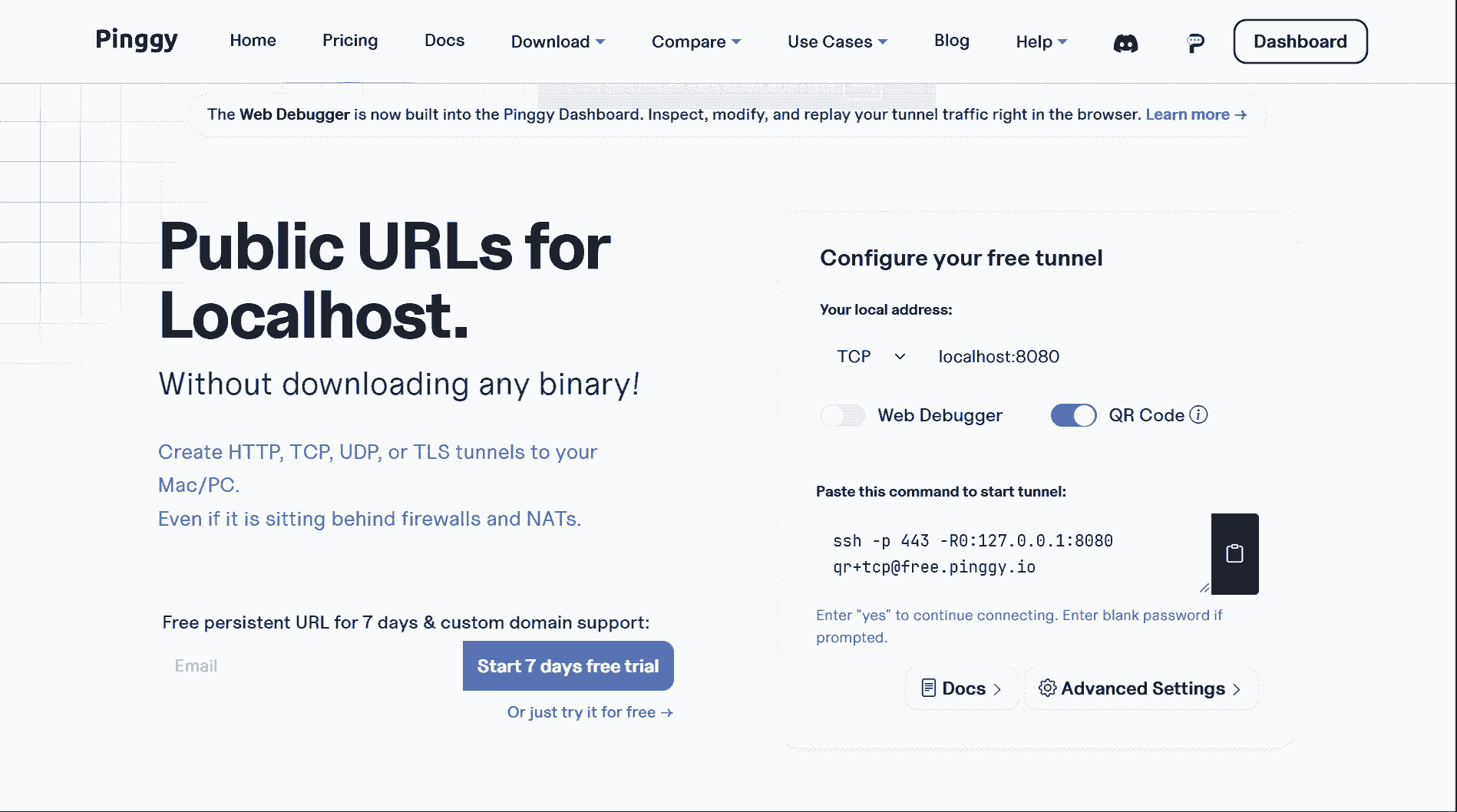
Pinggy’s standout feature is that it requires nothing beyond SSH, which is already on every major OS. Run one SSH command and you get a public URL — no client to download, no account required for a basic test tunnel. However, the tunnel will timeout in 60 minutes - so effectively not a persistent tunnel.
Pinggy’s SSH reverse tunnel has the same inherent security risk associated with ngrok’s reverse tunnel. Pinggy’s SSH reverse tunnel setup is equivalent to setting up port-forwarding in your router and exposing your laptop, PC or home server to the public internet. This is because Pinggy’s SSH server will open up an internet visible public port that is mapped directly (via the SSH reverse tunnel) to your laptop, PC or home server’s local port, for any automated port scanners (like Shodan, Censys, or Masscan) to access. Requires security hardening via IP whitelists.
Key features
- Zero-install setup via a single SSH command for quick dev/testing.
- Requires a Pinggy CLI agent for a more formal and sophisticated setup.
- Supports HTTP(S), TCP, TLS, and UDP tunnels
- Terminal UI with QR codes and live request inspection
- Live header manipulation on outgoing/incoming traffic without code changes
- Multiple auth options on paid plans: Basic Auth, OAuth 2.0, JWT, mTLS
- Persistent subdomains and custom domains on paid plans
- Publicly open ports make it susceptible to automated port scanners
Pinggy vs ngrok
Pinggy undercuts ngrok on both setup friction and price. Where ngrok requires a client download and account sign-up before your first tunnel, Pinggy works from a terminal you already have. It also supports UDP tunneling, which is a flat no for ngrok regardless of plan. The gap versus ngrok is at the high end: no global load balancing/edge routing, and no equivalent to ngrok’s Traffic Policy engine for routing and access rules.
| Feature | Pinggy (Pro) | ngrok (Hobbyist) |
|---|---|---|
| Monthly price | ~$3.00 | $10.00 ($8 billed annually) |
| UDP tunnels | Yes | No |
| TLS tunnels | Yes | Yes |
| Persistent subdomains | Yes | Yes |
| Custom domains | Yes | No (ngrok-branded domains only; own domain needs Pay-as-you-go) |
Pricing
Free tier with 60-minute tunnel sessions; paid plans start around $2.50–3/month billed annually, including custom domains, persistent TCP ports, and header manipulation.
6. LocalXpose
Best for: The most feature-complete client-based alternative, if you don’t mind installing one.
LocalXpose positions itself as a full-featured reverse proxy with a real GUI, not just a CLI. It supports the widest protocol range on this list and adds tooling — like a built-in file server and request/response editing — that most lightweight tunnels skip.
LocalXpose’s reverse tunnel has the same inherent security risk associated with ngrok’s reverse tunnel. LocalXpose’s cloud server will open up an internet visible public port that is mapped directly (via the reverse tunnel) to your laptop, PC or home server’s local port, for any automated port scanners (like Shodan, Censys, or Masscan) to access. Requires security hardening via IP whitelists.
Key features
- HTTP, HTTPS, TCP, TLS, and UDP tunnel types
- Full GUI client alongside the CLI, for visual tunnel management
- Traffic inspection with request/response viewing and editing, and payload replay
- Built-in file server for instantly sharing files
- Wildcard custom domains on paid plans
- Publicly open ports make it susceptible to automated port scanners
LocalXpose vs ngrok
LocalXpose is arguably one of the closest alternatives to ngrok for power users. It matches or beats ngrok on protocol support, notably with UDP, and offers a desktop GUI alongside its CLI. The tradeoffs: it relies on external relay infrastructure rather than providing a self-hosted deployment model, doesn’t provide the same built-in OAuth/OIDC visitor authentication that ngrok offers, and requires its client to be installed before starting a tunnel — unlike zero-install options such as Pinggy or localhost.run.
| Feature | LocalXpose | ngrok |
|---|---|---|
| Starting paid price | $8/mo (billed annually) | $8/mo (billed annually) |
| UDP tunnels | Yes | No |
| GUI client | Yes | No |
| Built-in file server | Yes | No |
| Request/response editing | Yes | Limited (replay only) |
| OAuth 2.0 for visitors | No | Yes (all plans) |
Pricing
Starts at $8/month billed annually ($96/year), the same as ngrok’s entry-level Hobbyist plan on annual billing, with a limited free tier for trying it out.
Other ngrok Alternatives Worth Knowing
These didn’t make the main list, but they come up often in ngrok alternative searches:
- frp — open-source (Apache 2.0) fast reverse proxy that supports TCP, UDP, HTTP, and HTTPS. You run the server on your own public VPS, so it’s free but self-managed.
- localtunnel — open-source npm package (
npx localtunnel --port 8080) for quick HTTP tunnels on a random subdomain. Simple, but HTTP-only and with no uptime guarantees on the public server. - localhost.run — zero-install SSH tunnels similar to Pinggy, with free random domains and custom domains on paid plans.
- inlets — self-hosted tunnels for HTTP and TCP that run an exit server on your own cloud VM. Commercially licensed.
- Expose — open-source PHP tunneling tool by Beyond Code, popular with Laravel developers, with a hosted service or self-hosted server.
- remote.it and Dataplicity — remote access tools aimed at IoT devices and Raspberry Pi, without device management features like OTA updates.
How to Choose the Right ngrok Alternative
Want a secure ngrok replacement for localhost? -> SocketXP. Persistent public HTTPS URLs (including custom domains) for web apps and webhook testing, and TCP tunnels without a public port for scanners to find.
Managing IoT or edge devices in production? -> SocketXP. The only tool here with OTA updates and device monitoring built into the same agent as the tunnel. Moreover, it’s self-hostable.
Want zero-trust security and full control over your infrastructure? -> zrok. Self-hostable, open source, and private-by-default sharing.
Want a permanent free URL with zero bandwidth anxiety? -> Cloudflare Tunnel. Best free option for stability, weakest on debugging tools.
Just need to share something right now, and want secure access to more than one internal service? -> Tailscale. Best if tunneling is only part of what you need — it replaces a VPN too.
Want the lowest setup friction with real features (UDP, inspection, custom domains)? -> Pinggy. No install, no account — just one SSH command to quickly get a working tunnel through an internet facing open port.
Want the closest feature match to ngrok, including a GUI, and don’t mind paying? -> LocalXpose. Matches ngrok on protocol support, public open ports and adds a GUI client it doesn’t have.
Conclusion
ngrok is still a fine choice for a quick demo or a one-off webhook test. But “ngrok alternative” searches usually mean you’ve hit one of its actual limits — bandwidth, UDP, pricing, public open ports, or the fact that it’s only a tunneling service and nothing more.
Match the alternative to the limit you hit: zrok or Cloudflare Tunnel if it’s cost and stability, Pinggy or LocalXpose if it’s features and protocol support, Tailscale if you need secure access to more than a single service, and SocketXP if you want ngrok-style tunnels that stay secure without exposing public ports, especially if the “local server” you’re exposing is actually a fleet of physical devices that need to stay managed, not just reachable.
Looking for a Powerful ngrok Alternative?
Discover how SocketXP makes secure remote access simple, fast, and reliable.
SocketXP runs on Linux, macOS, and Windows laptops and servers, as well as Raspberry Pi, Nvidia Jetson, Arduino, and all ARM/x86/MIPS-based embedded Linux devices. Works over Wi-Fi, Ethernet, 4G, 5G, and Starlink.
Frequently Asked Questions
What is the best ngrok alternative?
It depends on what you are connecting. For a secure ngrok replacement, SocketXP is the best ngrok alternative: a cloud-based reverse proxy that gives you persistent public HTTPS URLs and TCP tunnels to localhost services behind NAT, firewalls, and CGNAT, with no public ports opened, and it is the only one that scales into IoT fleet management with OTA updates and device monitoring. For free persistent URLs, Cloudflare Tunnel is the strongest choice; for open-source zero-trust sharing, zrok; for a private mesh VPN, Tailscale; for zero-install tunnels, Pinggy; and for a GUI-based ngrok clone, LocalXpose.
Can SocketXP expose localhost to the internet like ngrok?
Yes. SocketXP is a cloud-based reverse proxy, the same kind of tool as ngrok. Run 'sudo socketxp connect http://127.0.0.1:8080' to get a persistent public HTTPS URL for a local web service or webhook endpoint, on a random subdomain or your own custom domain, with no interstitial warning page in front of it. Run 'sudo socketxp connect tcp://127.0.0.1:22' to tunnel SSH or any other TCP service; unlike ngrok, SocketXP keeps TCP tunnels private instead of opening a public port. It works behind NAT routers, firewalls, and the CGNAT used by 4G/5G and satellite networks. SocketXP does not support UDP tunnels, TLS pass-through, or ngrok-style request inspection.
What is the best free ngrok alternative?
Cloudflare Tunnel is the best free option for general use: named tunnels on your own domain are free, persistent, and have no bandwidth cap. zrok is free when self-hosted, with no limits. For IoT device fleets, SocketXP offers a free self-hosted Community edition that manages up to 100 devices, plus a 30-day free trial of its cloud service with no credit card required.
Is there an open-source ngrok alternative?
Yes. zrok is fully open source under the Apache 2.0 license, is built on the OpenZiti zero-trust overlay, and can be self-hosted with no artificial limits. frp is another widely used open-source reverse proxy for self-hosting tunnels. ngrok itself is closed source and cannot be self-hosted.
Which ngrok alternatives support UDP tunnels?
zrok, Tailscale, Pinggy, and LocalXpose support UDP. ngrok, SocketXP, and Cloudflare Tunnel's public tunnels do not support UDP tunnels.
What is the best ngrok alternative for IoT devices and Raspberry Pi?
SocketXP is the best ngrok alternative for IoT devices, Raspberry Pi, Nvidia Jetson, and other embedded Linux devices. Its lightweight agent provides persistent SSH, HTTPS, VNC, RDP, and MQTT remote access without opening any public ports, and adds the fleet dashboard, device monitoring, OTA updates, and audit logging that ngrok does not provide. It works over 4G, 5G, Starlink, and CGNAT, and starts at $20 per month for up to 40 devices (about $0.50 per device).
What is the best ngrok alternative for port forwarding?
SocketXP is the best ngrok alternative for replacing router port forwarding. Like ngrok, the SocketXP agent makes an outbound-only connection, so you never open ports on your router and it works behind NAT, CGNAT, 4G, 5G, and Starlink. Unlike ngrok, Pinggy, or LocalXpose TCP tunnels, SocketXP does not create a public host:port in the cloud either, so there is nothing for port scanners to find. Every SSH, VNC, RDP, or TCP connection must be authenticated with a short-lived token or a client TLS certificate.
Is ngrok safe for production?
ngrok can be used in production, but its endpoints are public by default. Anyone who finds the URL can reach the service unless you add authentication or IP restrictions through Traffic Policy, and TCP endpoints expose a public host:port that automated scanners such as Shodan and Censys can probe. For production use, tools that keep TCP and remote-access endpoints private and require authentication on every connection, such as SocketXP, zrok, or Tailscale, carry less risk.
Can I self-host an ngrok alternative?
Yes. zrok and frp are open source and fully self-hostable. SocketXP can be deployed on-premise for compliance-sensitive or air-gapped environments, and its free Community edition manages up to 100 IoT devices. ngrok, Cloudflare Tunnel, Tailscale, Pinggy, and LocalXpose rely on their vendors' cloud infrastructure.
What is the SocketXP equivalent of the ngrok http and ngrok tcp commands?
Replace 'ngrok http 8080' with 'sudo socketxp connect http://127.0.0.1:8080' to get a secure HTTPS public URL. Replace 'ngrok tcp 22' with 'sudo socketxp connect tcp://127.0.0.1:22' for SSH access; SocketXP does not open a public port, so you connect through the SocketXP portal or the SocketXP agent running on your laptop in IoT Slave Mode.
Is ngrok suitable for production IoT deployments?
ngrok works well for temporary access during development and debugging, but it lacks the fleet management, OTA update delivery, device monitoring, audit logging, and per-device access control that production IoT deployments require. It is a tunneling tool, not an IoT device management platform.
What is the difference between ngrok and SocketXP?
ngrok is a tunneling and ingress service that exposes a local service through a public URL. SocketXP is also a cloud-based reverse proxy that provides persistent public HTTPS URLs and TCP tunnels to localhost services, but it never opens a public port for TCP tunnels, always requires authentication on TCP connections, and lets you optionally protect public HTTPS URLs. On top of the tunnel, SocketXP adds full IoT device management: OTA updates, device monitoring, fleet dashboards, Zero Trust security, asset tracking, and audit logging — all in a single lightweight agent.
Can I manage 1,000 IoT devices with ngrok?
You can create tunnels to 1,000 devices with ngrok on a paid plan, but you will not have centralized device management, OTA update capability, health monitoring, or fleet-level visibility. Those capabilities would need to be built separately. SocketXP provides them out of the box and is designed to scale to 100,000+ devices.
What protocols does SocketXP support for IoT?
SocketXP supports SSH, HTTPS, VNC, RDP, MQTT, and TCP tunneling. SocketXP does not support UDP tunnels. This covers the full range of access patterns needed for IoT devices — command-line access, web dashboards, desktop environments, sensor data streaming, and API access.
How much does SocketXP cost per IoT device?
SocketXP is priced at $0.50 per device per month on standard plans ($20/month for up to 40 devices), including all platform features. Custom pricing is available for large enterprise deployments or self-hosted installations.
Does SocketXP work on devices behind 4G or Starlink connections?
Yes. The SocketXP agent uses outbound-only connections to the SocketXP cloud gateway, which means it works behind any network — 4G, 5G, Starlink, CGNAT, or corporate firewalls — without requiring static IPs or open inbound ports.
Can SocketXP be self-hosted on-premise?
Yes. SocketXP is available as a self-hosted on-premise deployment for enterprises with data sovereignty, compliance, or air-gapped requirements. Contact the SocketXP team for on-premise licensing details.